HOW TO USE ReFa BEAUTECH DRYER

Dry your hair

  • Recommended setting (for a silky finish)
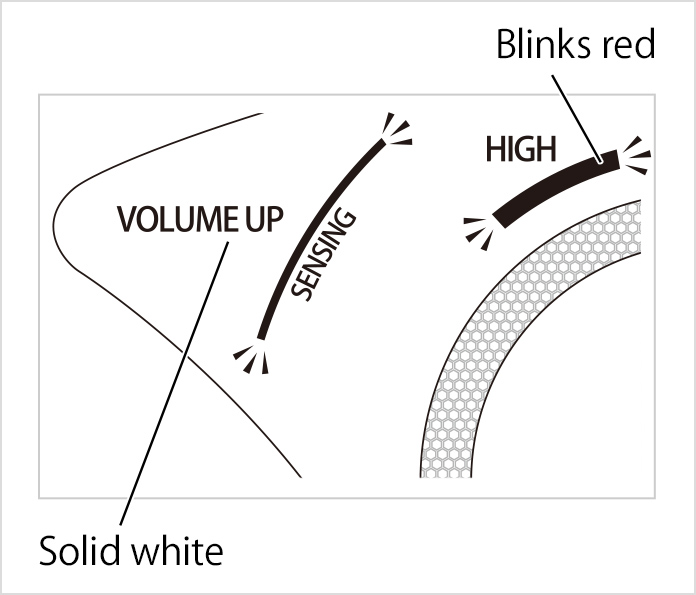
    • Blowing Mode: HIGH
    • Pro-Sensing: MOIST
    • Display Indicators
    • Warm air: The display indicator blinks red
    • Cool air: The display indicator blinks blue
  • Recommended setting (for a voluminous finish)

    • Blowing Mode: HIGH
    • Pro-Sensing: VOLUME UP
    • Display Indicators
    • Warm air: The display indicator blinks red
    • Cool air: The display indicator blinks blue

Basic usage

  • (1) After toweling your hair dry, use your fingers or a brush to detangle it.

  • (2) Plug in the power cord.

  • (3) Press the Power button to turn the power on.
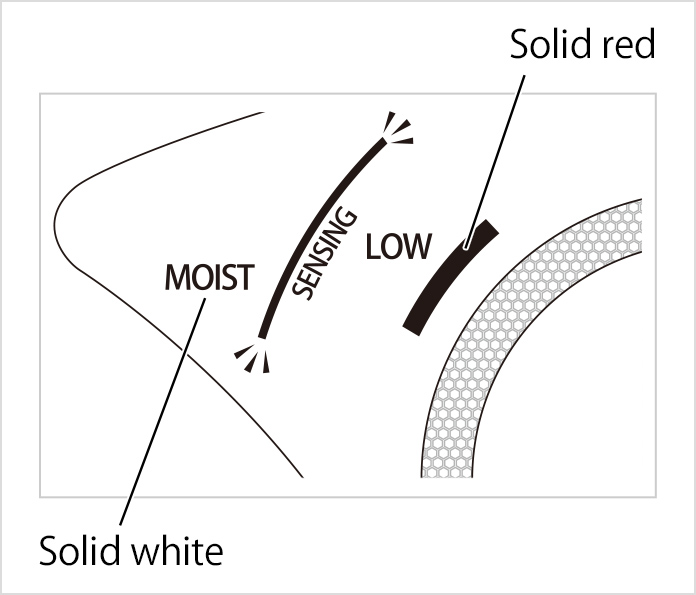
    • All the display indicators will blink white → The display indicators will display a solid white, and the device will go into standby mode.
    • The power will turn off automatically if no buttons are pressed for 60 seconds or longer while in standby mode.
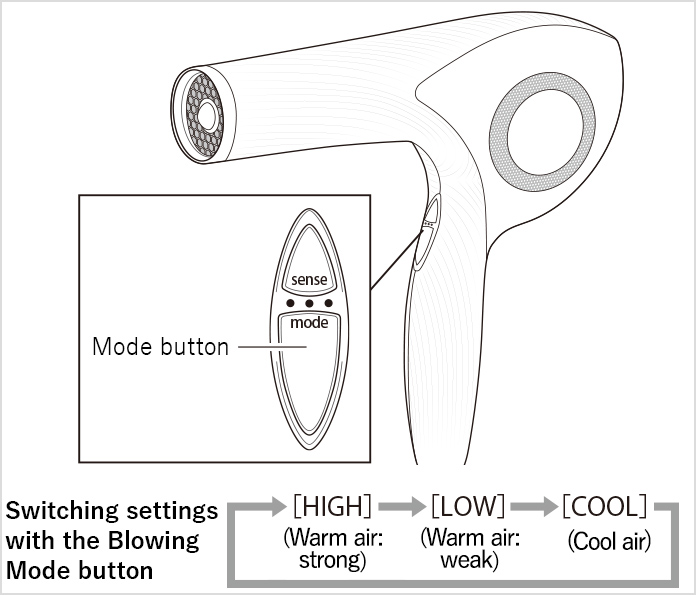
  • (4) Select the Blowing Mode.

    • The Blowing Mode settings change each time you press the Mode button.
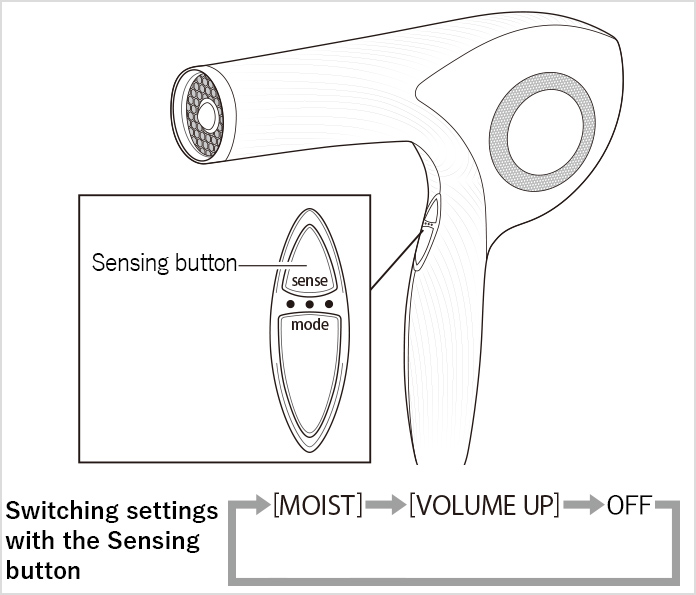
  • (5) Select Pro-Sensing.

    • Pro-Sensing switches on and off each time you press the Sensing button.
    • Pro-Sensing can be selected when the Blowing Mode is set to HIGH or LOW.
    • Changing the Blowing Mode will reset the Pro-Sensing setting. Press the Sensing button again to turn it on.
  • (6) Blow air over all of your hair.

    《Caution》
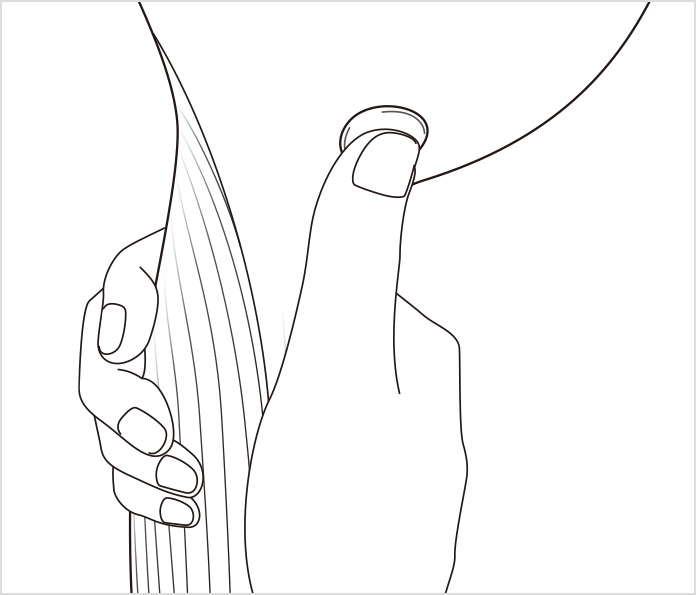
    • Keep your hair at least 3cm away from the air outlet.
    • Keep your hair at least 10cm away from the air inlet to prevent it from being sucked in.
  • (7) Press the Power button to turn the power off.

  • (8) Unplug the power cord.

Styling tips for silky hair

  • Recommended setting

    • Blowing Mode: LOW
    • Pro-Sensing: MOIST
    • Display Indicators
    • Warm air: The display indicator blinks red
    • Cool air: The display indicator blinks blue
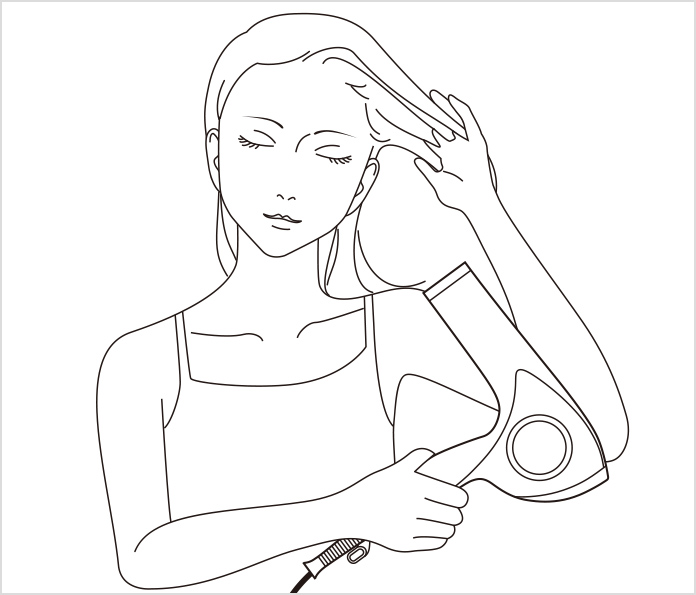
  • (1) Comb your fingers through your hair and blow air downward from above.
Tips for adding body to your hair (for a voluminous finish)

  • Recommended setting

    • Blowing Mode: LOW
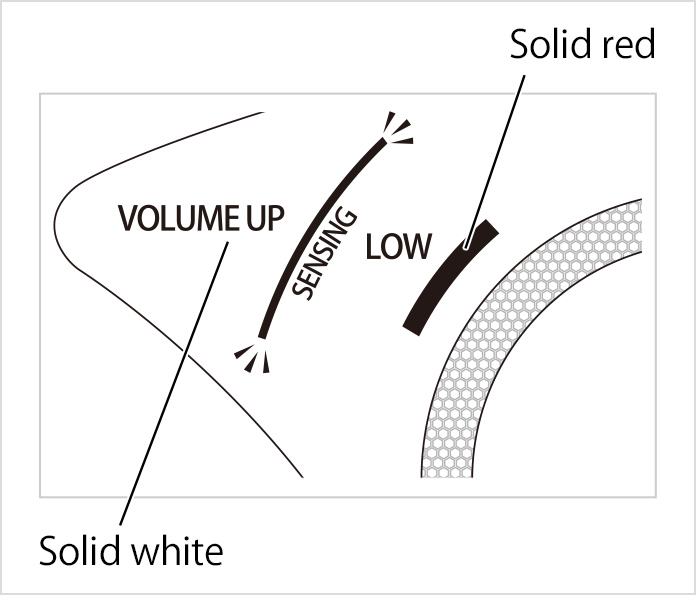
    • Pro-Sensing: VOLUME UP
    • Display Indicators
    • Warm air: The display indicator blinks red
    • Cool air: The display indicator blinks blue
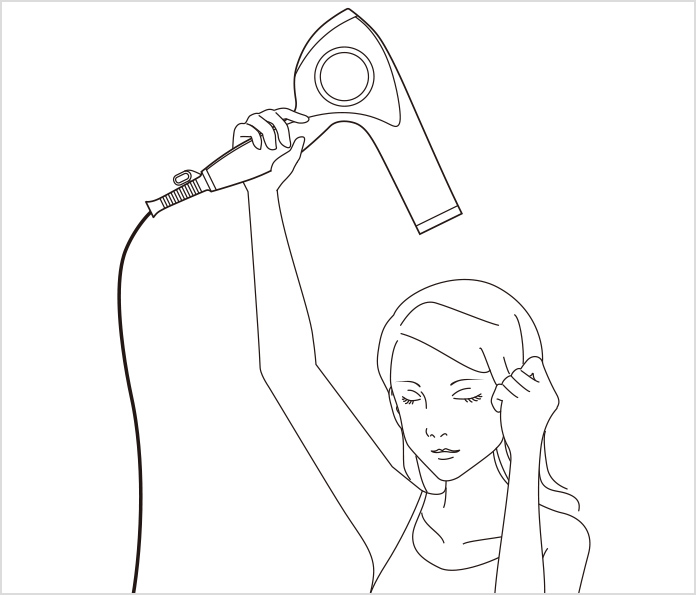
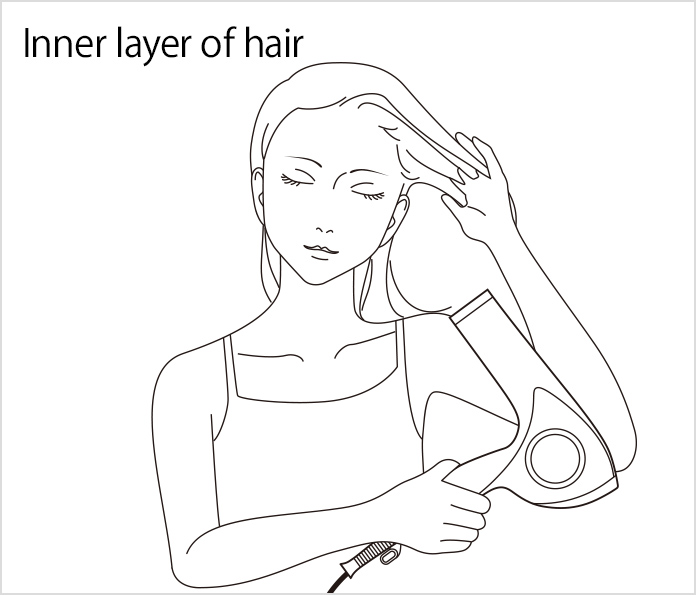
  • (1) Lift your hair from the roots and blow air upward from below.
To style a single part of your hair

  • Recommended setting

    • Blowing Mode: LOW
    • Pro-Sensing: MOIST
    • Display Indicators
    • Warm air: The display indicator blinks red
    • Cool air: The display indicator blinks blue
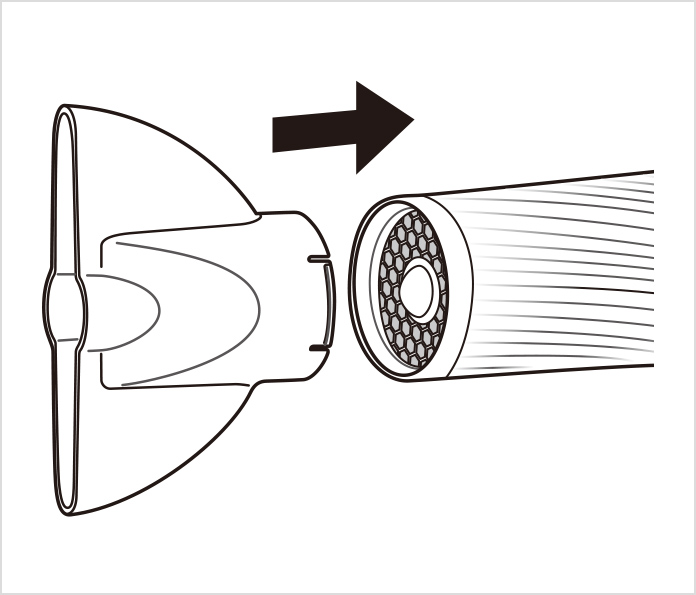
  • (1) Attach the nozzle attachment.

    〈How to attach〉
    Plug the nozzle attachment all the way into the air outlet until it makes a clicking sound.
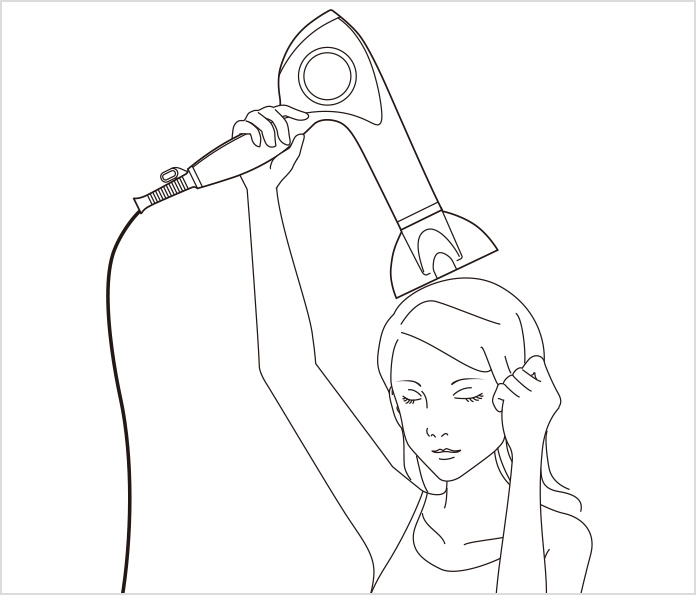
  • Use water to dampen the part of your hair that you want to style, and then blow air over that part.

    • Make sure your hair is fully dampened all the way through, and not just on the surface.
    • You can rotate the nozzle attachment to the position you want.

    《Caution》
    Because the nozzle attachment gets very hot, avoid touching it when in use or immediately after use.
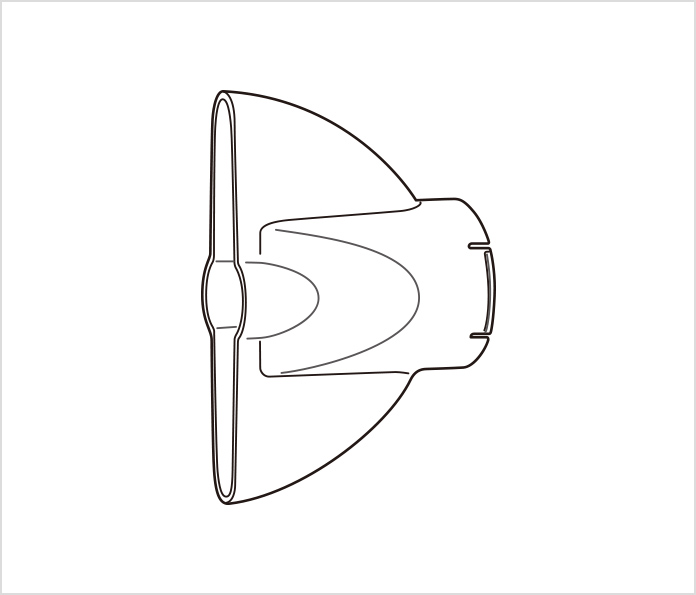
How to attach / detach the nozzle attachment

  • Blowing air over small sections of your hair will make it easier to style.

  • 〈How to attach〉
    Plug the nozzle attachment all the way into the air outlet until it makes a clicking sound.
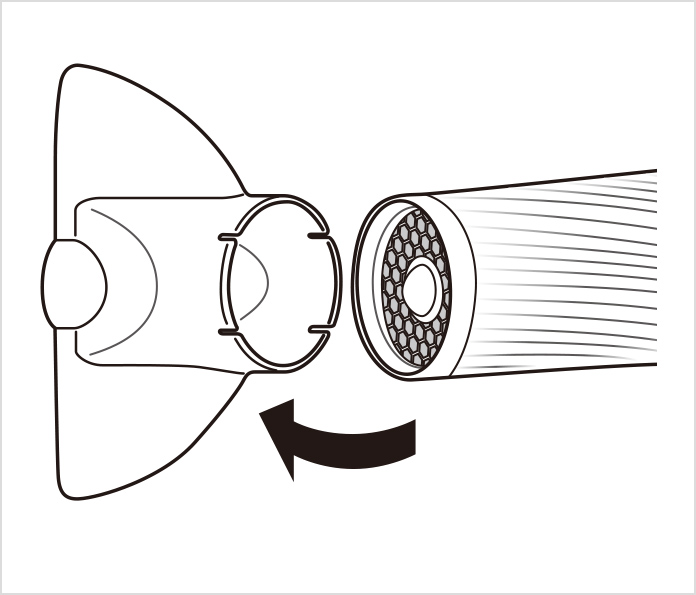
  • 〈How to detach〉
    Tilt the nozzle attachment to detach it.

How to make your hairstyle last longer

An effective way to make your hairstyle last longer is to style your hair with the Blowing Mode on LOW and to set your hairstyle with the Blowing Mode on COOL.
  • Recommended setting

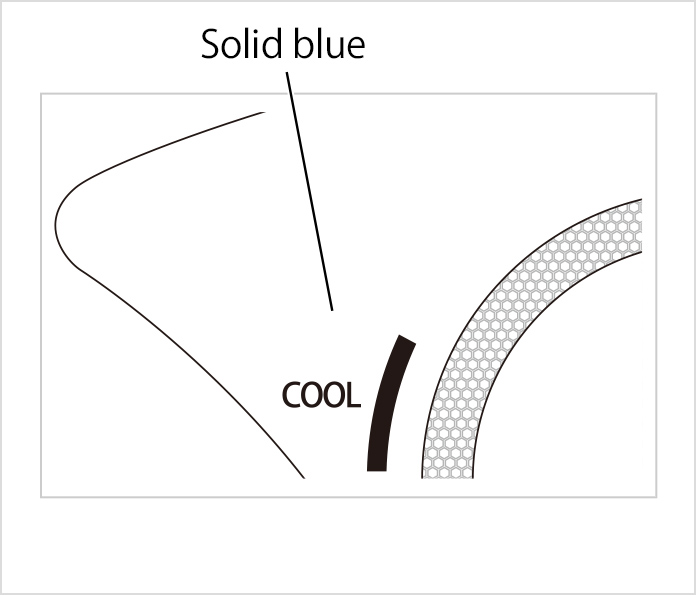
    • Blowing Mode: COOL
    • Pro-Sensing: -
    • Display Indicators
    • Warm air: The display indicator blinks red
    • Cool air: The display indicator blinks blue
  • ① Change the Blowing Mode to COOL and blow cool air on the part of your hair that you want to style.